Reinstatement Steps

Nov 13, 2024
 157
157
Follow the steps below to process a 'Reinstatement':
1. Open the account and select the 'Reinstate' button. If the account is not currently cancelled then the Reinstate button will not appear for selection.

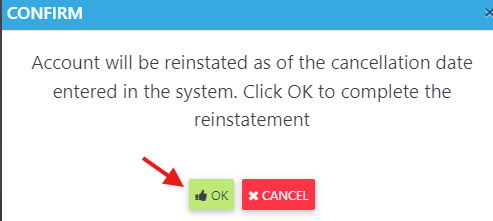
2. Select OK to the confirmation message to complete the Reinstatement.
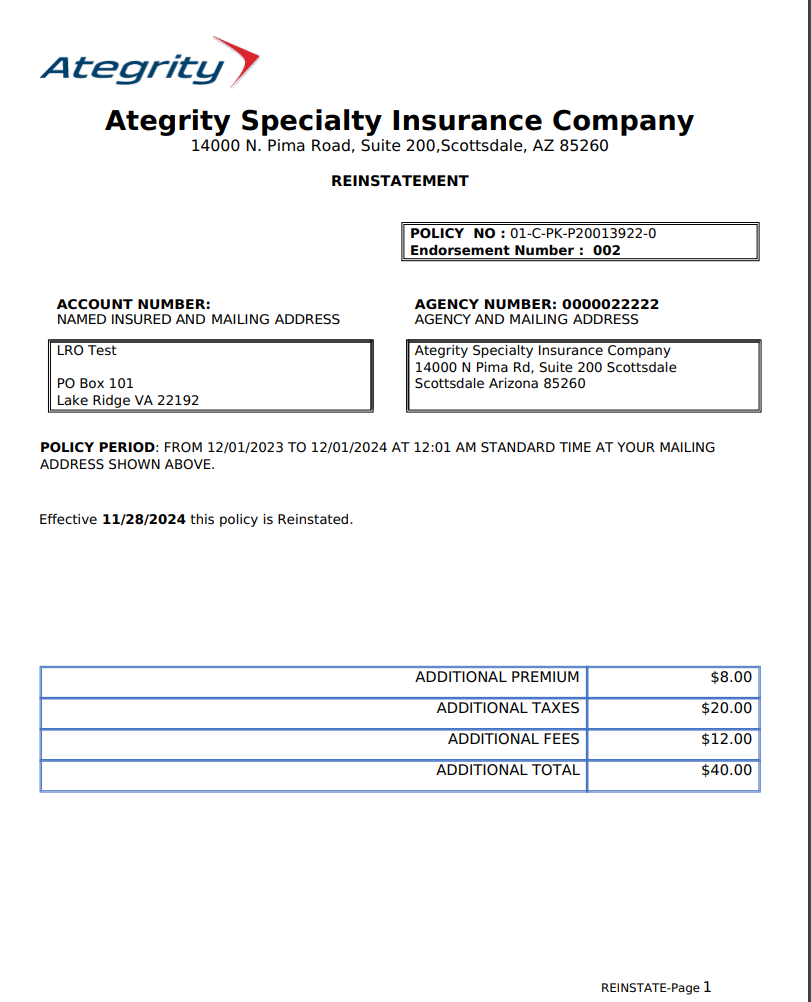
3. The system will process the Reinstatement and display Reinstated dec page