Issue Policy steps

Nov 24, 2025
 39
39
If an account has already been quoted/bound and is ready for issuance, then follow the steps below:
1 - Expand the red "Issue" banner

2 - Select the link to "Generate & Review variable forms."

3 - Review the variable forms list and update the fill-in forms as needed
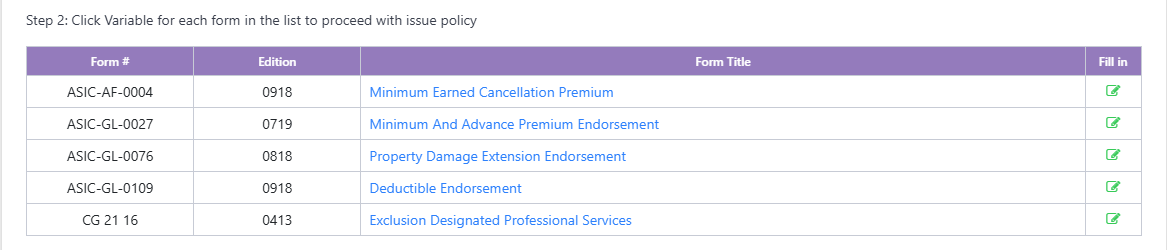
4 - Scroll to the bottom of the forms list and select the "Issue Policy" link

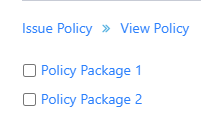
5 - Select the "Policy Package" link to view and/or download policy documents