


Mailing address Edit (Prior to issuance)

Mar 02, 2026
 100
100
How to Change the Mailing Address for a Quote or Binder:
-
Search for the Policy: Use the search function to locate the policy for which the address needs to be updated.
-
Edit the Fields: Click directly into the mailing address fields to modify and enter the new address information.
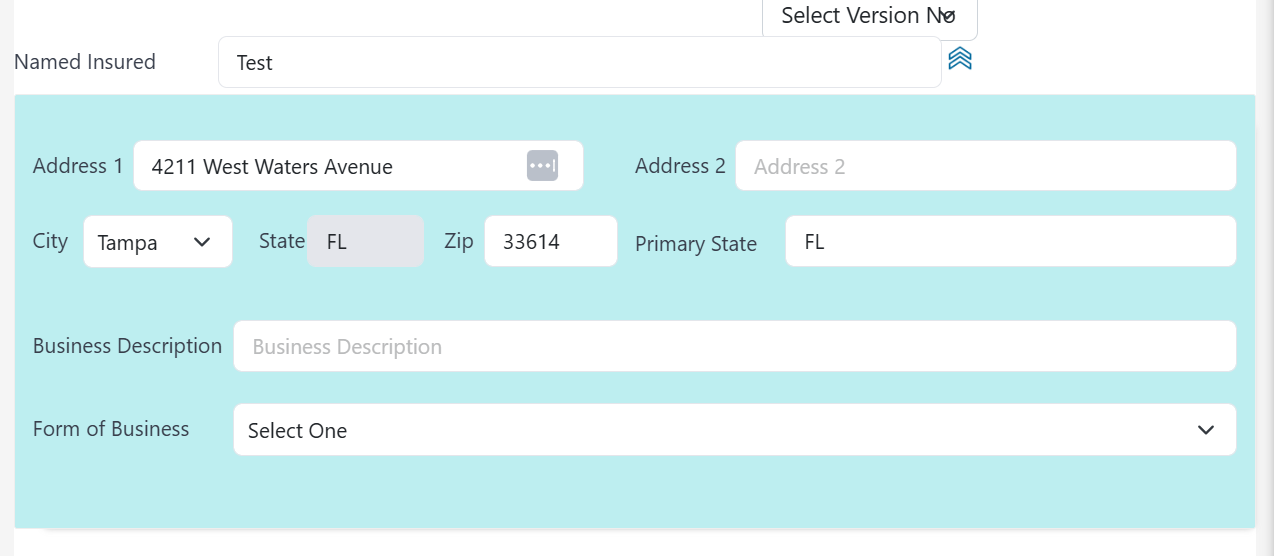
-
Troubleshooting: If you are unable to modify the address fields:
-
Clear the cookies, cache, and internet history of your browser.
-
Restart your browser and attempt the modification again.
-
- Save Changes: After the changes are made, they will be automatically saved.
If the policy is already active, then please refer to our guide on Endt: How to Change Mailing Address

